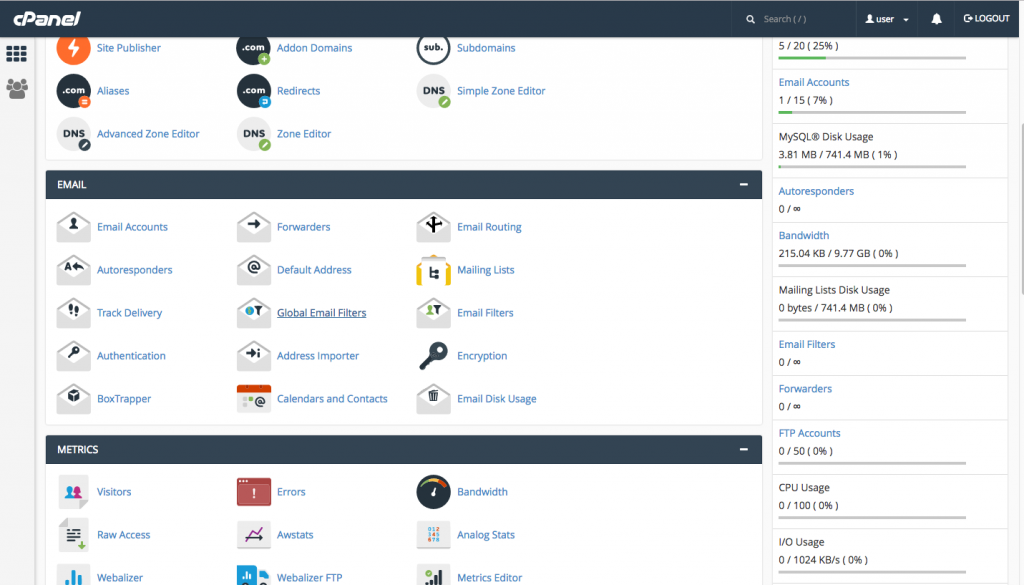
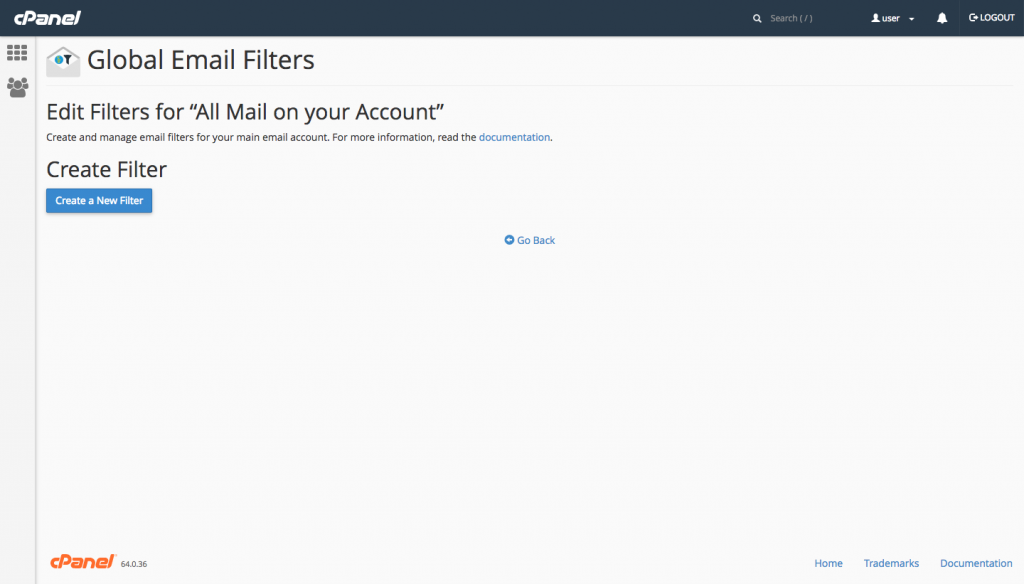
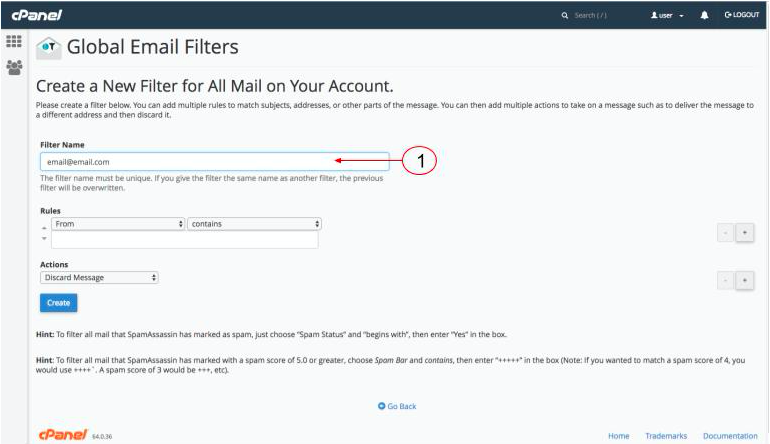
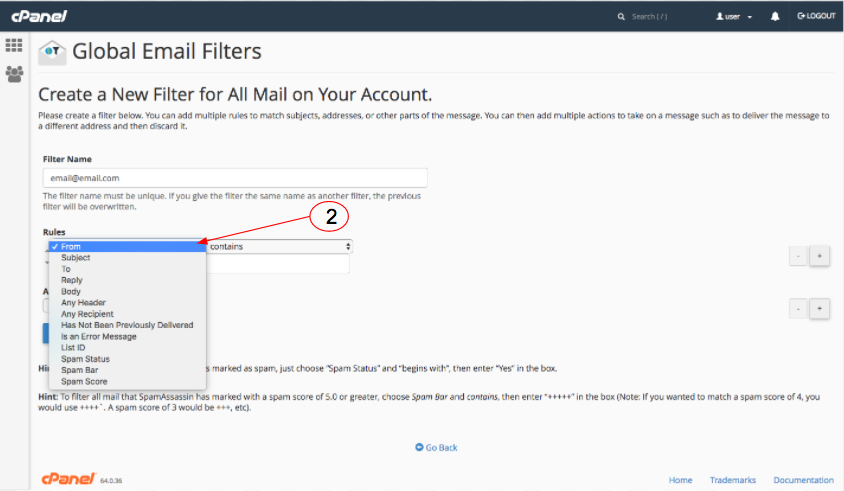
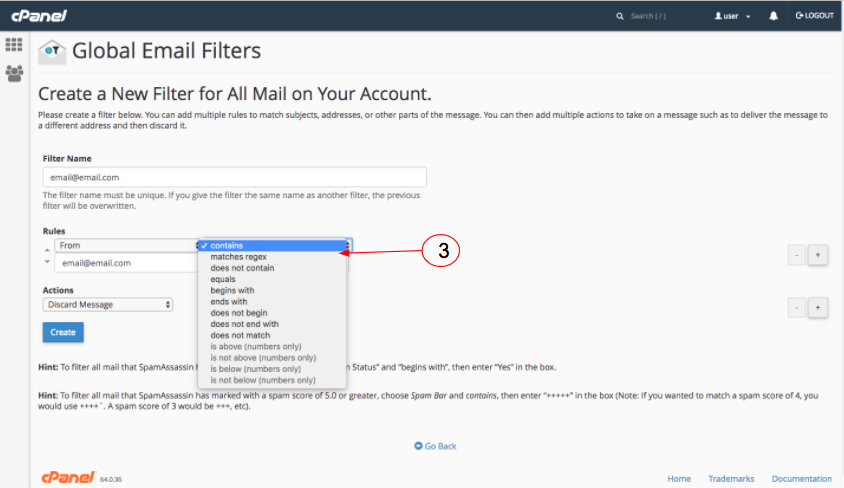
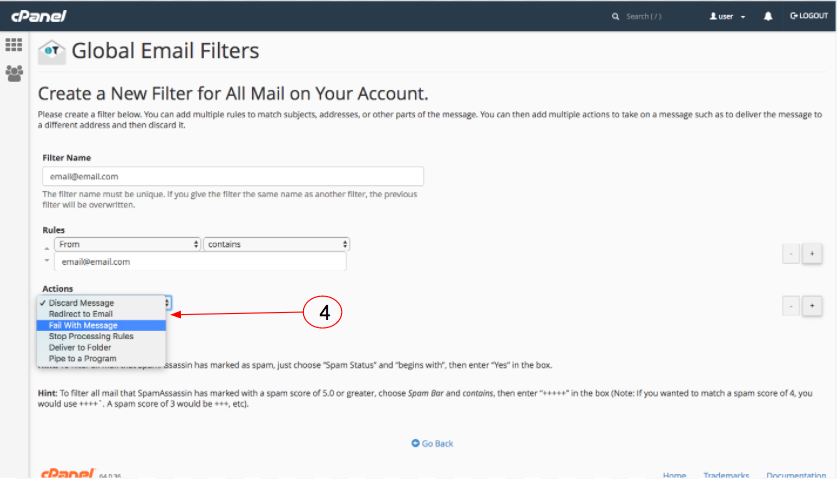
By admin Cpanel 0 Comments How To Create Filter 1) Login into your cPanel. 2) Choose Global Email Filters. 3) Click at Create a New Filter 4) Enter the filter’s name in Filter Name. 5) Configure your filter’s rules and actions. 6) Click create. Previous Post Newer Post